

Ghostwire: Tokyo - Screenshot 1



Face the unknown, uncover the truth and save the city Tokyo is overrun by deadly supernatural forces as a dangerous occultist causes the city's population to vanish in an instant. Join forces with a powerful spectral entity on their quest for vengeance and master a powerful arsenal of abilities to unravel the dark truth behind the disappearance as you FACE THE UNKNOWN in Ghostwire: Tokyo.
Explore a unique vision of Tokyo twisted by a supernatural presence. From its ultra-modern cityscape to its traditional temples and narrow alleyways, discover a hauntingly beautiful city teeming with Yokai - vengeful spirits that prowl the streets. Discover iconic landmarks like Shibuya Crossing and Tokyo Tower, stunningly rendered with incredible detail and built to take advantage of next-generation technology. Experience the city frozen in time when the city’s population disappeared, and travel to the surreal underworld on your quest to save your family.
Wield a combination of upgradeable elemental powers and ghost-hunting skills to combat the supernatural threat. Use your ethereal abilities to ascend to the top of Tokyo's skyline and soar over the streets to discover new missions or even get the drop on your enemies. Free for all players, the Spider's Thread update contains several additions to the base game, including a new area to explore, extended cutscenes, new side-missions, all-new enemies, added quality of life improvements, extra combat skills and a new roguelite "The Spider's Thread" game mode!


Adım adım kurulum süreci
Lütfen kurulumdan önce bu önemli ayrıntıları inceleyin
Install necessary apps from Redist or _CommonRedist to ensure game launches without any problems.
Always extract game in Antivirus / Defender excluded folder - Please check our FAQs to know why it is important.
Always run the game as administrator
For detailed guide, make sure to read Installation Guide.txt inside the game files.
Gerekli minimum özellikler
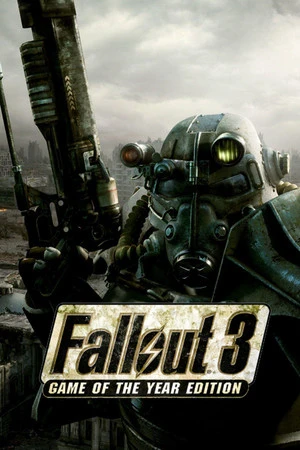
Action
2008 6.80 GB
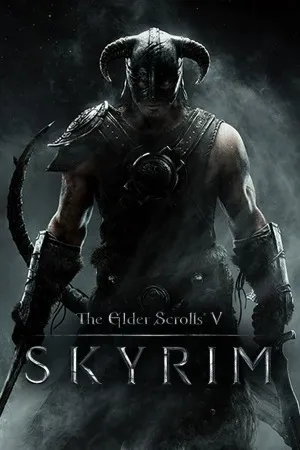
RPG
2016 26.10 GB
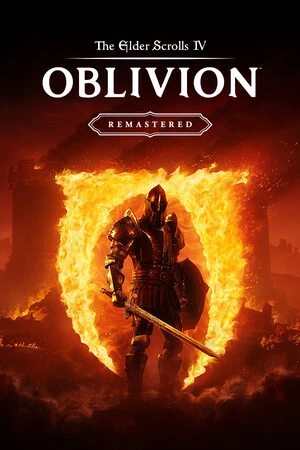
Adventure
2025 123.90 GB



Ayrılıyorum AnkerGames
Aşağıdaki URL'yi ziyaret etmek üzeresiniz Geçersiz URL
Tartışmaya katılın
Düşüncelerinizi paylaşın
Giriş Gerekli
Lütfen giriş yapmak yorum yapmak için!